Action
4.8
King of Crabs
King of Crabs
6,067
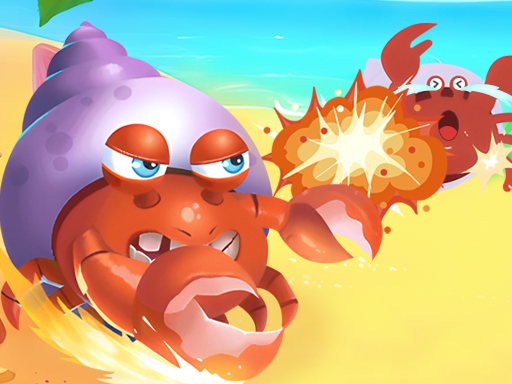
Control the crab effortlessly, exploring its various attributes like armor, speed, skills, and pelts showcased in The Shell Gallery. Visit the Equipment shop for a selection of 5 claws, 5 bodies, and 5 legs, and don't miss out on earning extra claw coins through Sign and Spin activities. Engage in intense battles with 24 other players in Quick Match mode. Follow the Ultimate Guide to Winning Tactics and Tips: start by finding a suitable shell, gather and consume fish on the ground to grow stronger, and strategically attack weaker opponents.
Recommended Games
Plane Crash Ragdoll Simulator
4.56,415
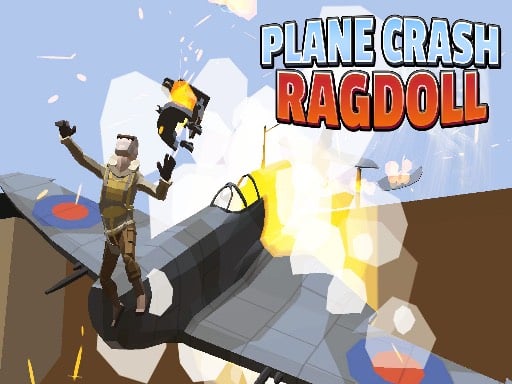
Aircraft Gas Press the Joystick to control the aircraft's speed. Aircraft Control Move the Joystick left or right to steer the aircraft, avoiding obstacles or aiming at targets for a smoother and more enjoyable flight experience.
Oil Tank Truck Driving Sim
4.16,942
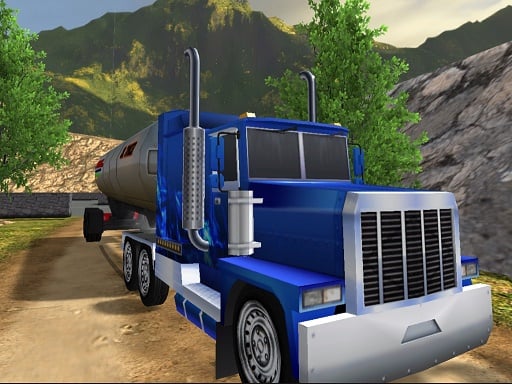
Use WASD keys to control the movement of your character or vehicle. W moves forward, S moves backward, A steers left, and D steers right. This setup provides flexibility for navigating through various terrains and challenges within the game environment.

Transport Army vehicle truck driving
4.15,869
Use WASD keys to control the movement of your vehicle. W moves it forward, S moves it backward, A steers it left, and D steers it right. This setup allows for precise navigation through various terrains and challenges within the game.

tinywar.io
4.63,203
Move the mouse to direct your character's movement. Left-click to attack enemies. Right-click and hold for a speed boost.
Freddys Return Village Escape
4.85,098
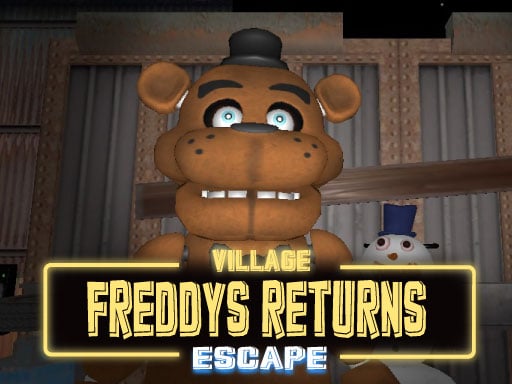
Mouse to look, W A S D to walk, left shift to run, C to crouch, space to jump, F to interact or hide, T to unhide, G to drop item. Use mouse for aiming and W A S D keys for moving around. Press left shift to sprint and C to lower your profile. Jump with space and interact with objects or hide by pressing F. To reappear from hiding, press T. Drop any held item using G.

Super John Wick
4.27,922
Click or tap on the screen to interact and play. Use these inputs to navigate through the game, trigger actions, and make selections. Engage with elements by simply pointing and clicking for an intuitive gaming experience.
GrowBall Feed to Grow
4.56,277
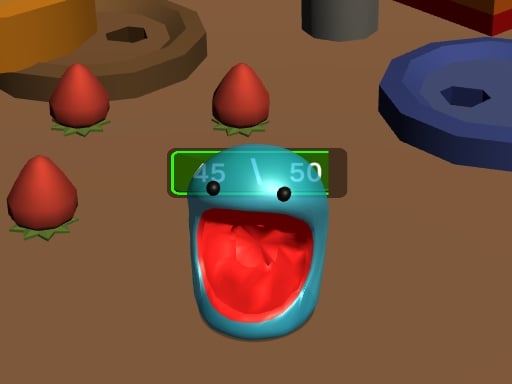
Click or tap the screen to interact and progress through the game. Use these inputs to trigger actions, solve puzzles, and navigate challenges.

Only Up! Forward
4.93,196
Navigate using WASD for running or walking. Press space to jump.
Silent Assassin 2024
5.06,642
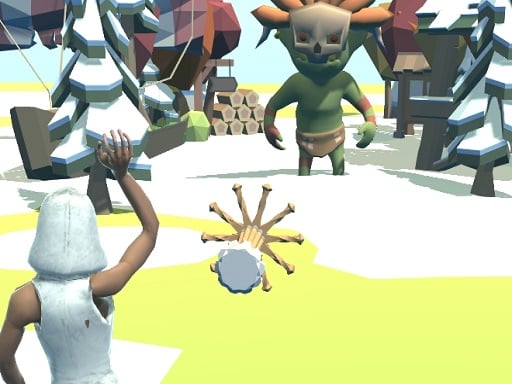
Click or tap on the screen to interact and play.
Merge Punch
4.43,227
In Merge Punch, combine characters to create stronger ones. Place them strategically to gain an advantage. Click or tap to merge and win.
Friends Battle Gunwars
4.65,522
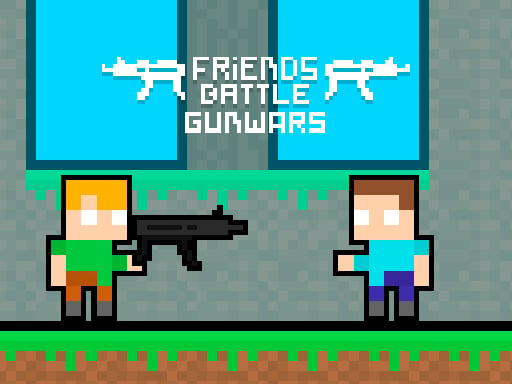
The red team uses WASD keys for movement while the blue team utilizes arrow keys. Players from opposing teams aim to avoid each other as contact results in a hit. Accumulating twenty hits leads to losing the game.

The Specimen Zero
4.13,298
Navigate through chambers and rooms by finding keys for doors, gathering ammo and weapons. Avoid monsters as you progress. Use WASD to move, spacebar to jump, F to interact, R to reload, and Esc for menu.
Fighter Legends Duo
4.83,444
Players control their characters using keyboard inputs. Player 1 uses WASD for movement and F for punch, G for kick, and H for special move. Player 2 utilizes arrow keys for movement, K for punch, L for kick, and J for special move. Both players aim to defeat each other through strategic use of punches, kicks, and special moves while dodging or blocking attacks.
Monster truck stunts mega ramps
4.26,870
Use WASD keys to control the movement of your character or vehicle. W moves forward, S moves backward, A steers left, and D steers right. This setup provides a familiar interface for navigation through various terrains and environments within the game.

Offroad Truck Animal Transporter
4.17,966
Navigate your truck using WASD keys. Press C to switch camera views. Click on the screen to look around.

Zombie Attack: Defense
4.46,899
Navigate using A and D keys, move upwards with W or by pressing the spacebar. Left mouse button shoots, right mouse button drops a bomb, and Z activates a nuke.
Guardians of the Dark Dungeon
4.45,181
Click the mouse to attack and utilize specific buttons for unique attacks. WASD controls movement within the game.
Skibidi Toilet Bullet
4.13,536
Click or tap on the screen to interact with the game elements. Use these inputs to navigate through levels, solve puzzles, and engage with the game's environment.
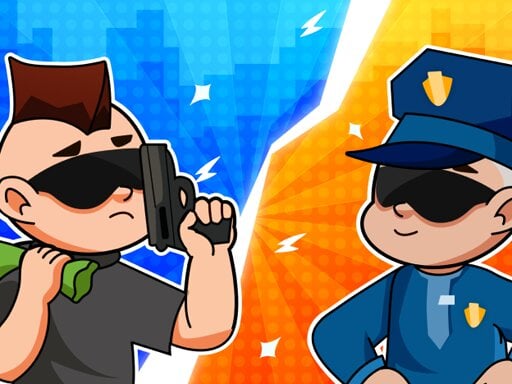
Robber and cop
4.74,811
Management in the city is straightforward and user-friendly. Tap the screen to display the joystick. Navigate your character with ease by moving the joystick.